Initial Setup
After successfully installing the software, some basic settings must be made to adapt the application to your specific requirements. Follow these steps for the initial setup:
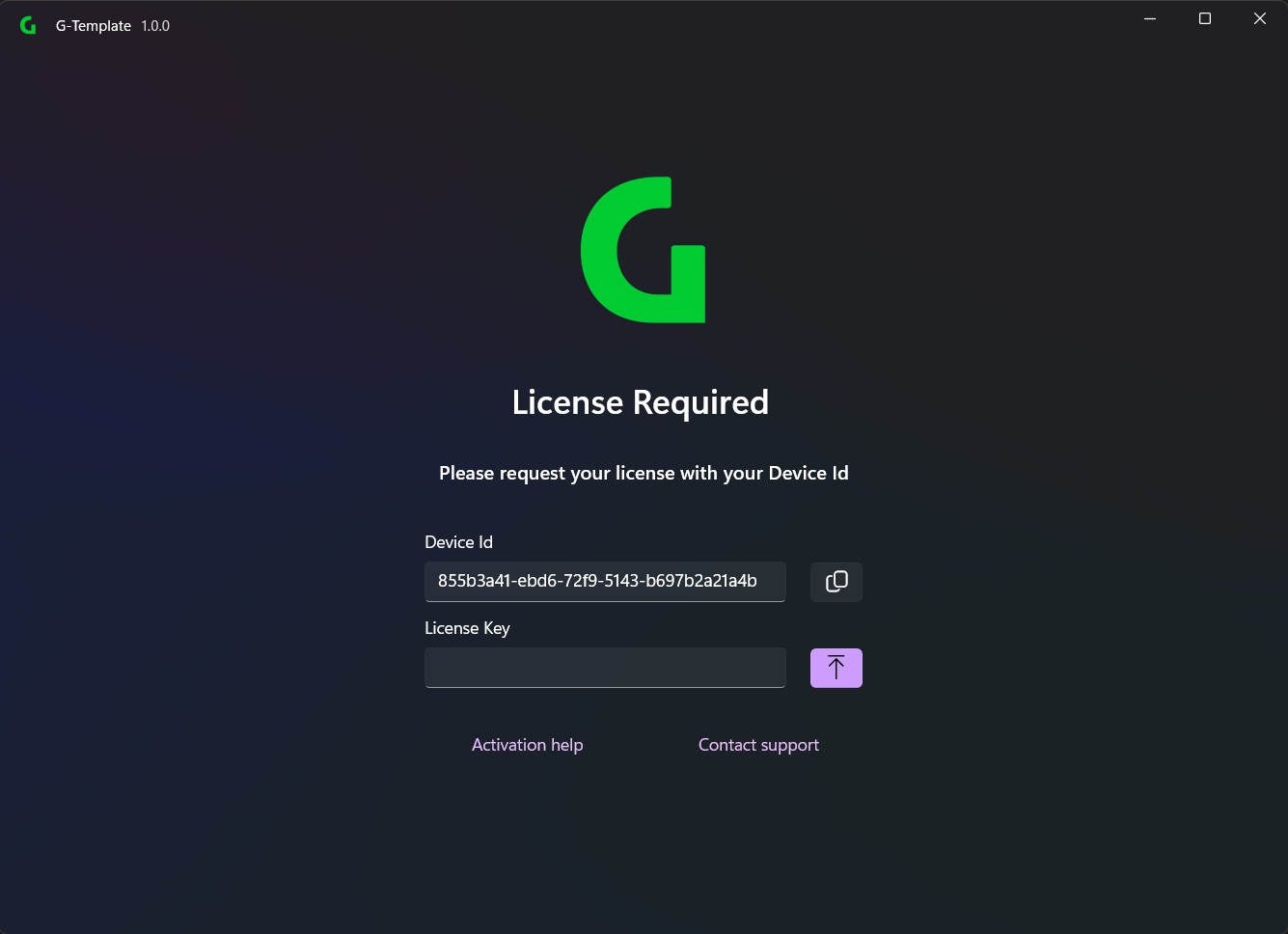
1. License the software
- Open the software via the desktop icon or the start menu.
- See here for licensing instructions.
2. Installing/Updating the software
- Select the software you want to install/update and follow the instructions in the installation wizard.