Downloaded Page
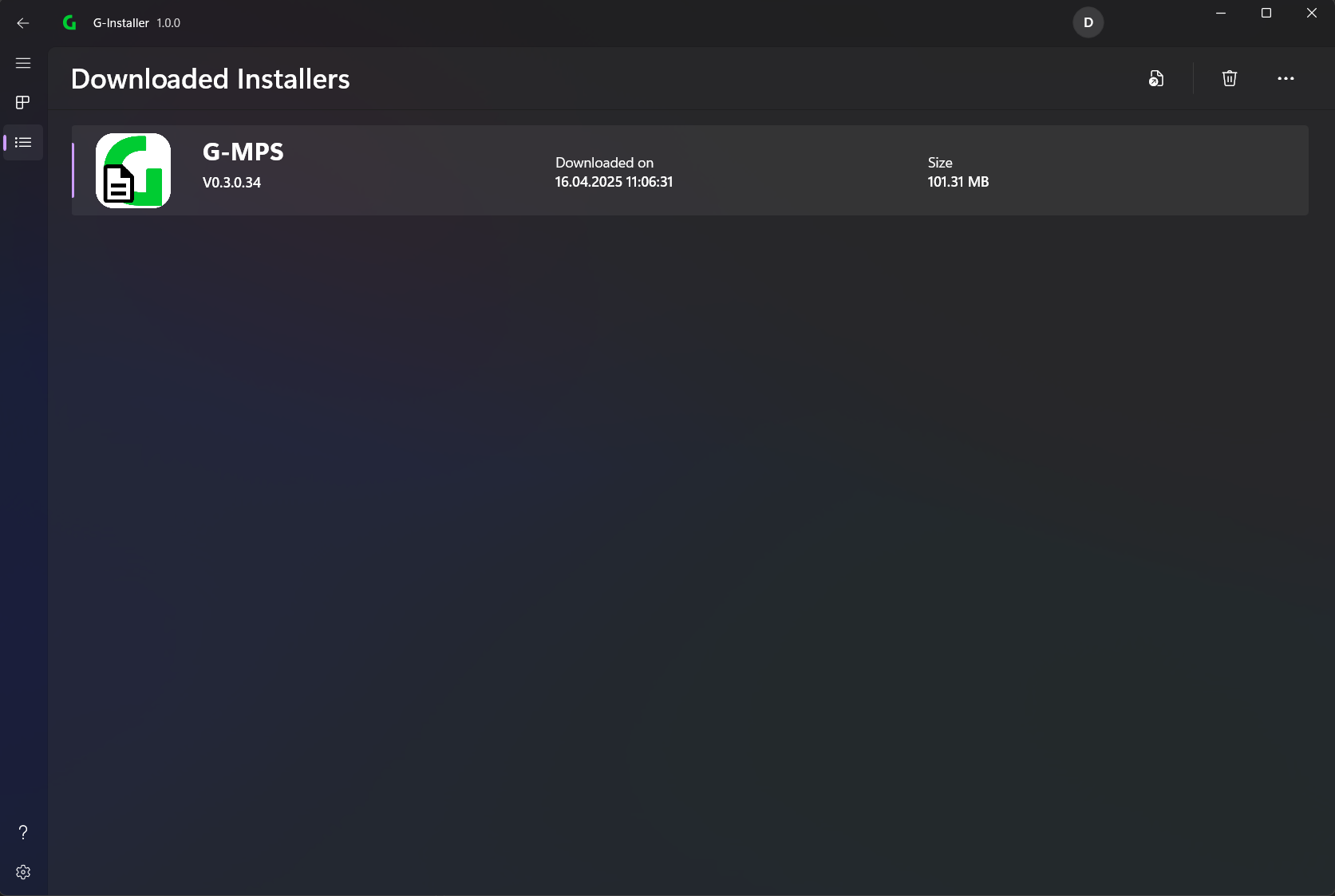
In the menu bar you can select the different options (from left to right):
- Export installer
- Delete selected Item
- Refresh
Downloaded Installers
This page shows all the application versions that have been downloaded so far and how much memory they use on the system. These can easily be deleted and downloaded again later if necessary.
Export Installer
To use the installation file on another PC, you can select the installer and then export it to any path.
💡
This is useful to install the app on a PC that does not have internet access