Application Detail Page
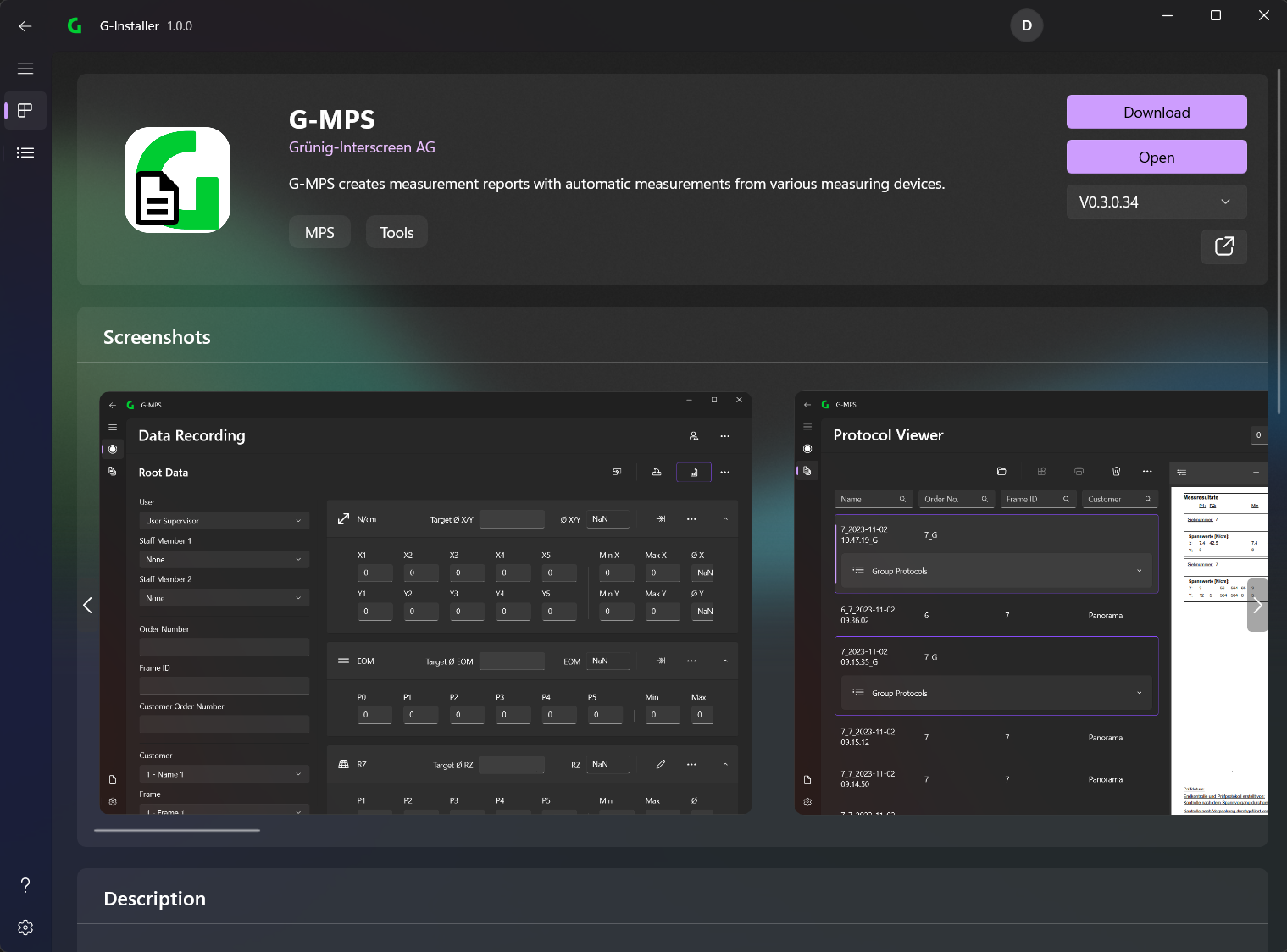
Application Header
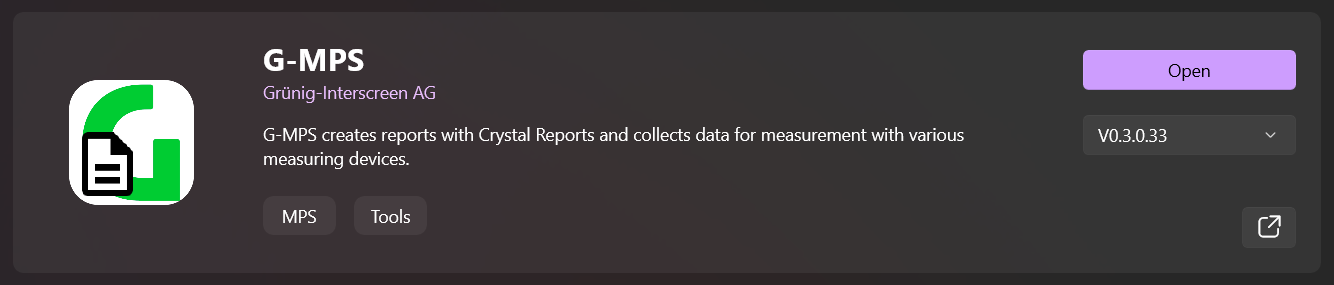
The application header contains a button to install/update/open the application. You can also select a specific version to download (if available)
Screenshots
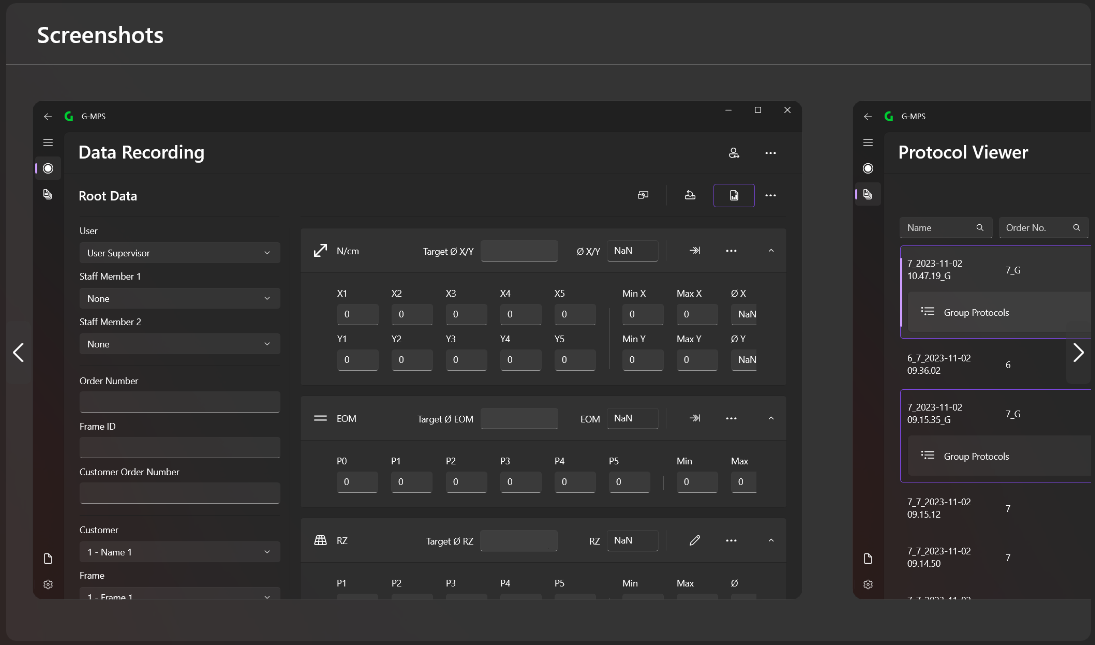
The pictures of the application are shown here.
Description
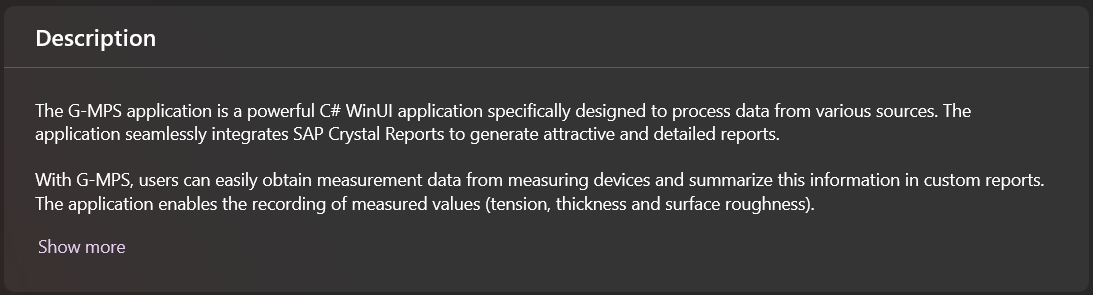
The full application description is displayed here.
Functions
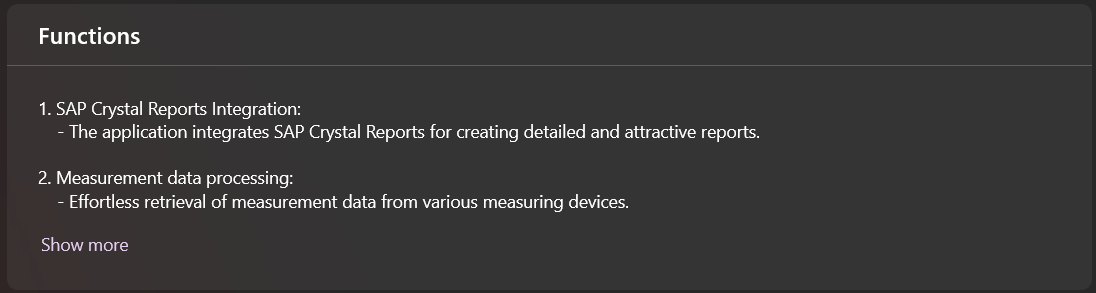
The functions of the application are described here.
What's new in this version

This describes what is new in the selected version.
Dependencies
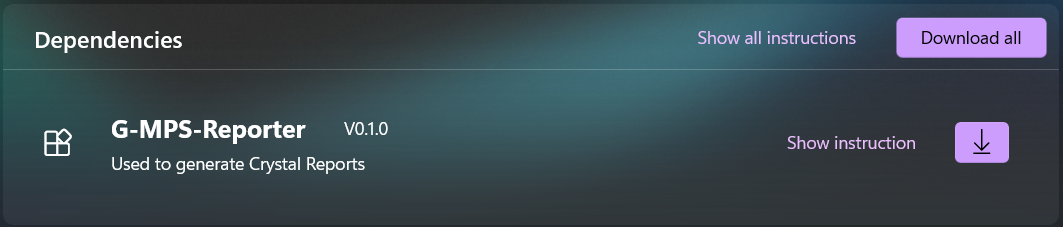
Here the dependencies are listed (if any) which can be downloaded separately using the Download or Download all button.
Click on Show instruction to get more information about this dependency.
System requirements
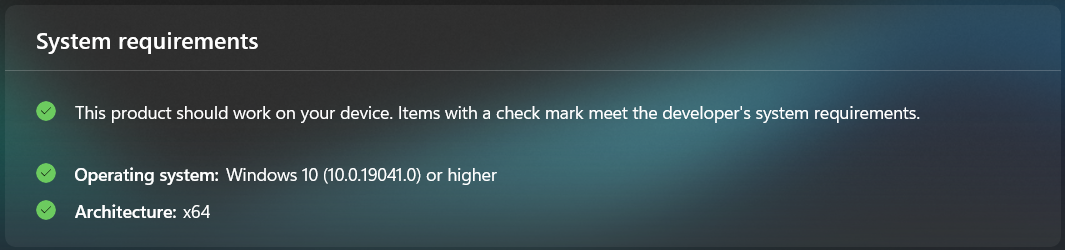
This shows whether the current application is compatible with the current system.
💡
Check the System Requirements
Additional Information
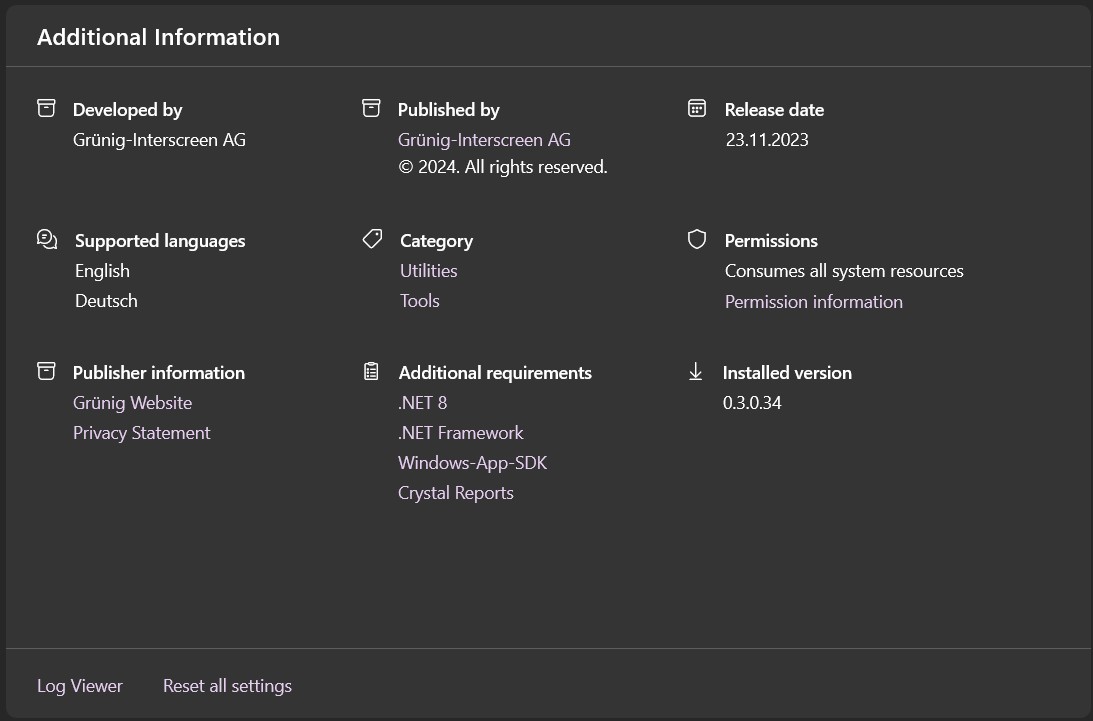
All other important information about the app is listed here.
❗
All
Additional requirements must be installed on the target PC